
Run daily operations
Track a sale through delivery and invoicing. Frappe ERP connects stock, purchasing, and accounts so your departments share the same records.
Handle accounts and stock in Frappe ERP. Manage your people, sales, and support with Frappe apps. We help you choose, connect, and set them up for your team.
Explore the appsFinance · Sales · Stock · Production
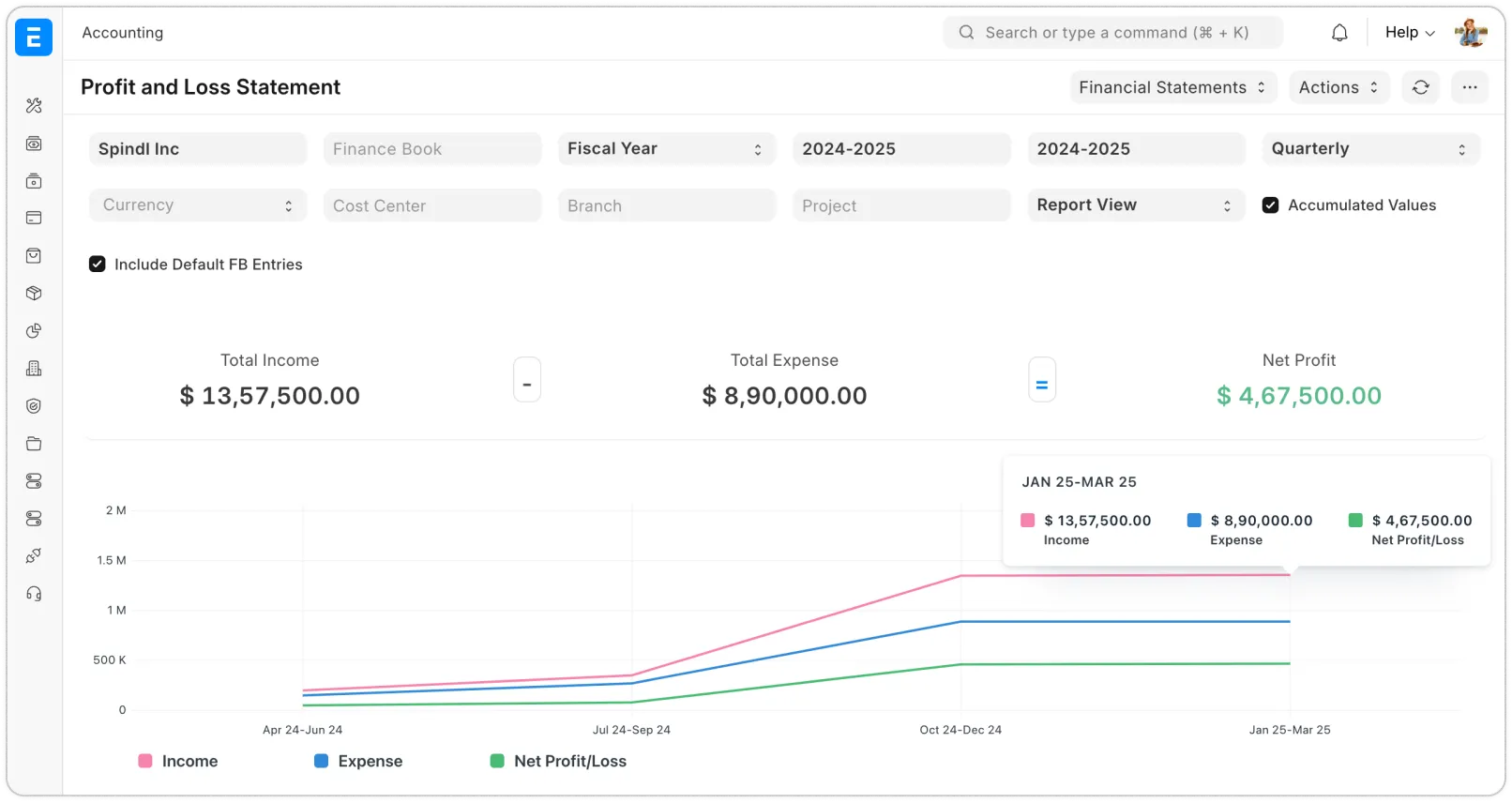
Keep daily transactions in Frappe ERP, add apps for specialist work, and connect the information your teams share.
Track a sale through delivery and invoicing. Frappe ERP connects stock, purchasing, and accounts so your departments share the same records.
Give HR, sales, and support their own tools. We configure the apps and build the connections they need to share information with your ERP.
Set up the forms, permissions, and approvals your team needs. When a process needs more, we build an app or integration with Frappe Framework.
Use managed Frappe Cloud or host it yourself. We help you choose and plan for backups, updates, and ongoing support.
Explore tools for finance, sales, people, and operations. Open an app to see its features and how we can help you use it.
Give each team the tools they need, from managing leave to answering customer requests.
Manage accounts, purchases, stock, sales, and production in one ERP.
We map your accounts, items, warehouses, approvals, and reporting into a core your departments can share.
Manage employee records, attendance, leave, expenses, and payroll.
We scope employee data, leave policies, attendance inputs, expense approvals, and regional payroll requirements.
Follow every lead, deal, and customer conversation in a shared pipeline.
We define your pipeline and ownership, migrate contacts and deals, and agree handoffs with Frappe ERP.
Assign support tickets, organize queues, and track service targets.
We organize support queues, service targets, assignment rules, and the information agents need to resolve requests.
Create courses and organize training for your teams.
We help structure onboarding and training around courses, learners, and the way you track progress.
Explore business data through dashboards and reports.
We agree the questions leaders need answered, identify data sources, and shape useful dashboards.
Loan origination, servicing, and repayment workflows, scoped to your requirements.
We assess your loan products, servicing processes, integrations, and jurisdiction-specific requirements before defining scope.
Organize and share files with your team.
We define file organization, access, and sharing around the teams using your documents.
Build and publish pages with a visual page builder.
We scope the pages, content, forms, and publishing workflow your team needs.
Build custom business apps with the permissions and workflows your team needs.
We use Frappe’s framework when a business process needs a custom app, integration, or workflow.
Run your Frappe apps on managed hosting.
We size hosting around your apps and workload, and agree the environment and operating responsibilities.
The infrastructure software behind Frappe Cloud.
For teams operating their own Frappe hosting platform, we assess infrastructure, administration, and ongoing maintenance.
Tell us where work gets held up. We’ll recommend the Frappe ERP modules and Frappe apps to address it, then plan the setup, integrations, and training.
Plan your Frappe setup
Tell us what you want to improve. We’ll help you plan the right ERP setup for your team.
Changes stay in this browser. Logos and product screenshots keep their original appearance.