Platform / Manufacturing
Plan what each job needs. Follow it through production.
Connect material demand, shop-floor progress and finished stock in Frappe ERP. Give production, stores and finance a shared record of what the job needs and what it used.
01 / Material demand
Check the materials before you release the work.
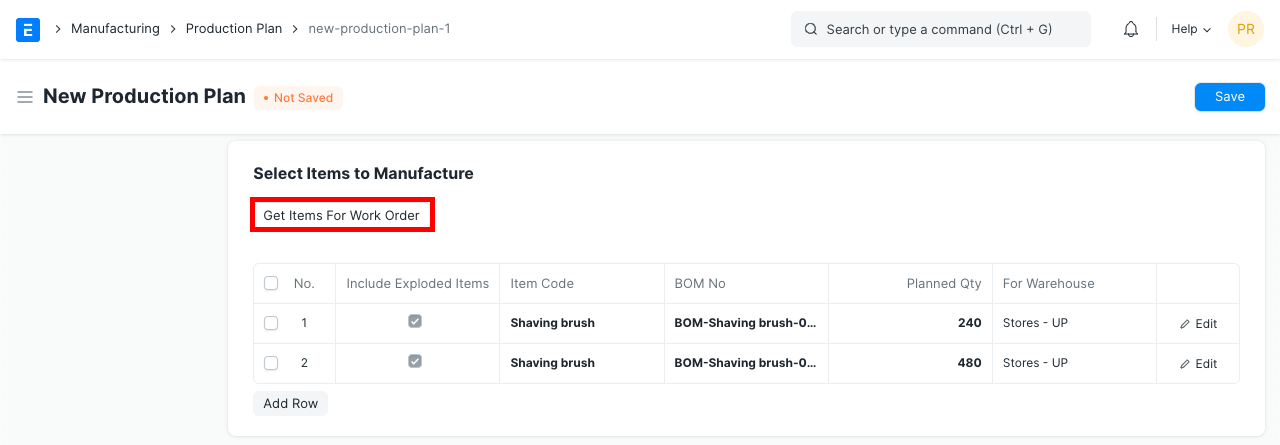
Plan production from customer orders, material requests or a manual forecast. Use the bill of materials to work out what each job needs.
Review available materials and open supply, then create Work Orders and Material Requests from the plan. Give purchasing a clear view of the gaps.
Does planning only use stock on hand?
No. With Skip Available Raw Materials enabled, planning uses projected quantity, including open supply and demand. Warehouse selection and planning settings determine which availability is considered.
02 / Work orders & job cards
See which operation is holding the job.
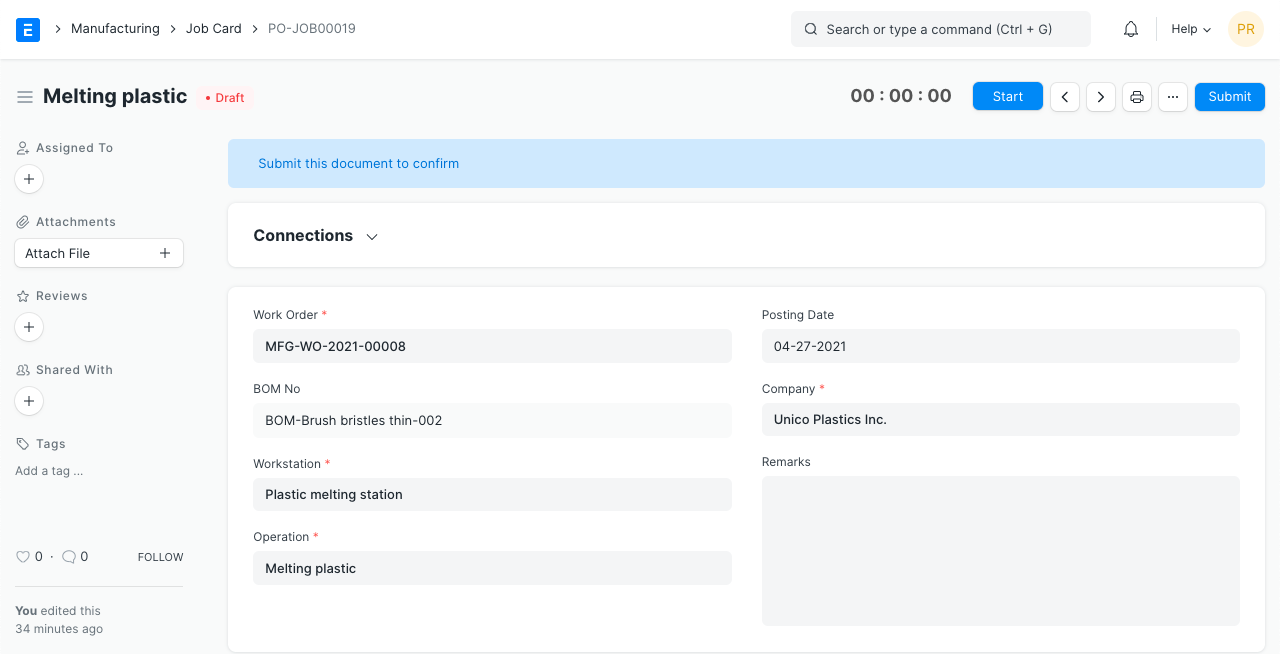
Connect the Work Order to its materials, operations and planned start. Follow transfers into work in progress without confusing material issued with material consumed.
Job Cards record operation time and completed quantities, bringing actual operation costs back to the Work Order. Advanced machine sequencing needs a separate fit assessment.
Can operators record a quality check during production?
Yes. An in-process Quality Inspection can reference a Job Card and use configured inspection templates. Recording a check does not by itself establish regulatory validation.
03 / Finished stock & cost
Explain what the finished job actually used.
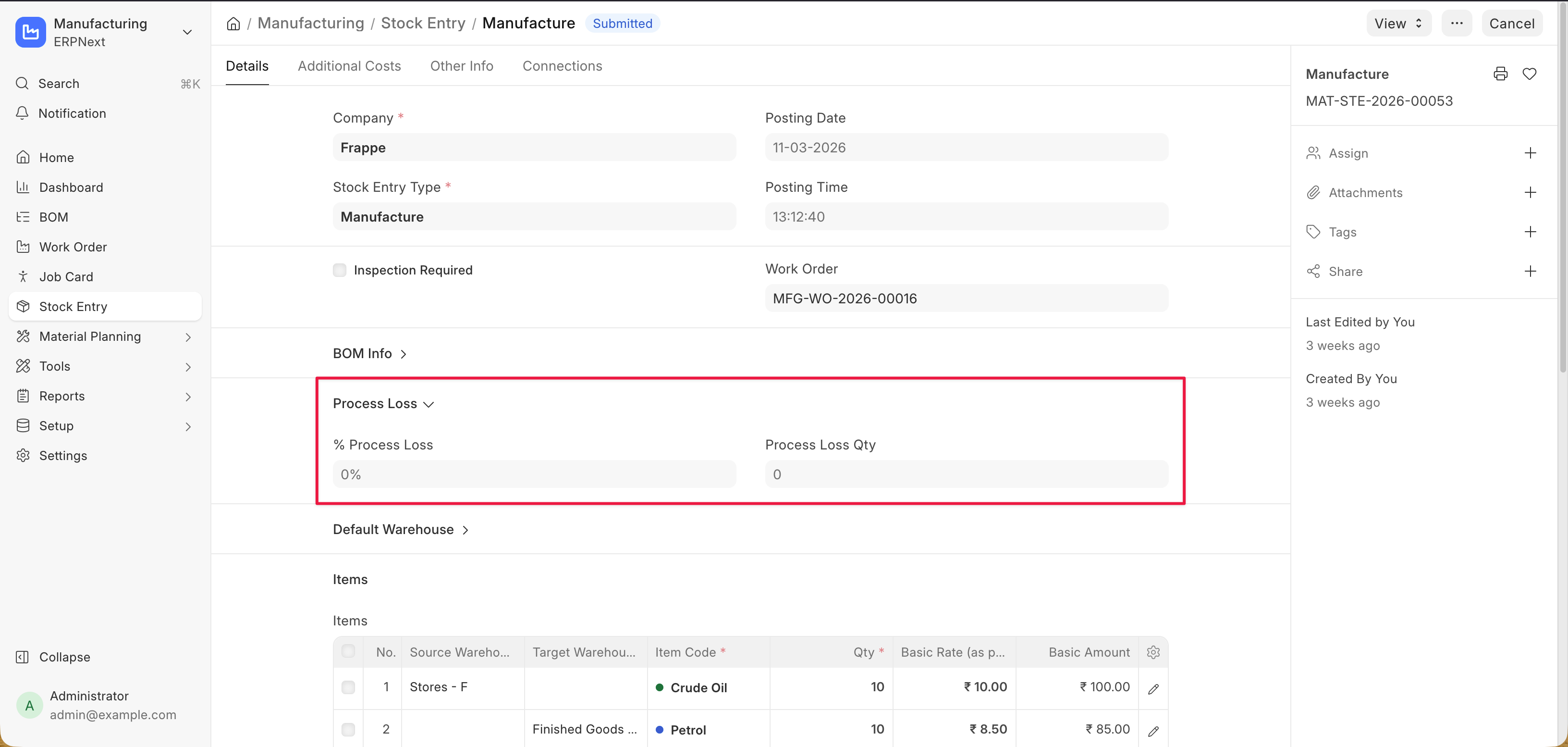
Record consumed materials and finished output in a Manufacture Stock Entry. Return unused components to stores and review process loss alongside the completed quantity.
Compare planned and actual operation costs, then follow the stock and configured accounting entries behind the result. Give production and finance the same basis for review.
How do we handle material sent to a subcontractor?
Track supplied material in a supplier warehouse. Subcontracting orders and receipts connect it to returned finished items, with service items and BOMs configured for your process.
Connected products
Keep purchasing, stores and finance connected to the production record.
Turn material shortfalls into requests your buyer can act on.
Follow raw materials, WIP and finished goods across their warehouses.
Trace production movements into stock valuation and configured accounting entries.