
For multi-entity groups
See the group clearly.Keep each company in control.
Keep company books and access boundaries clear, agree a consistent reporting structure, and bring the records together for an informed group review.
The daily problem
A group view starts with accountable company books.
When every company closes differently, group finance spends the review explaining differences. Agree the account structure, reporting calendar and local owners before repeating the setup across the group.
Connect the reporting. Respect the company boundaries.
Start with the legal entities and their finance teams. Prove the access rules, intercompany treatment and reporting scope with a real reporting period.
Keep each company’s books separate
Set accounting defaults, currency and local responsibilities for each Company. Reconcile opening balances and get the entity finance lead’s sign-off.
Make access explicit
Define shared masters and company-specific roles. Test what local users can read and export; a company filter alone is not an access boundary.
Agree a common reporting structure
Align account mappings, reporting periods and dimension definitions so the group can compare like with like.
Reconcile intercompany transactions
For companies on the same site, assess linked Inter Company Invoices. Reconcile both sides, including corrections and cross-company charges.
Scope the group reports
Validate the group view against an approved reporting pack. Eliminations, currency treatment and specialist consolidation needs require explicit accounting design and review.
Roll out by company readiness
Pilot the entity model and close process before adding companies. Assess tax, localization, statutory reporting and retained-system integrations for each jurisdiction and scope.
Inside Frappe ERP
See the records behind the work.
Review the underlying ledger, dimensions, invoices and balances. Group reporting depends on how these records are configured and reconciled.
- Company AOwn books and access
- Company BOwn books and access
- Company COwn books and access
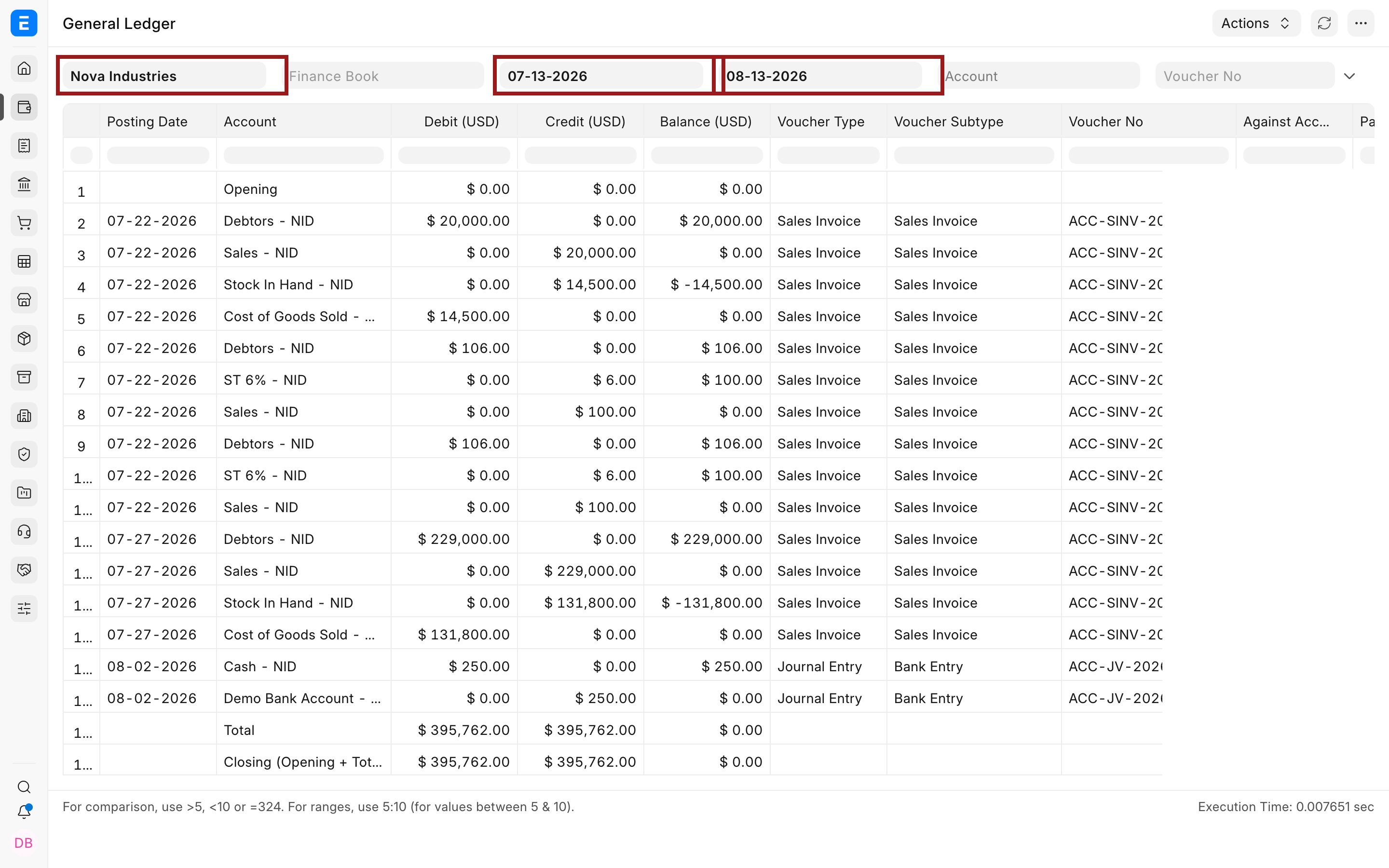
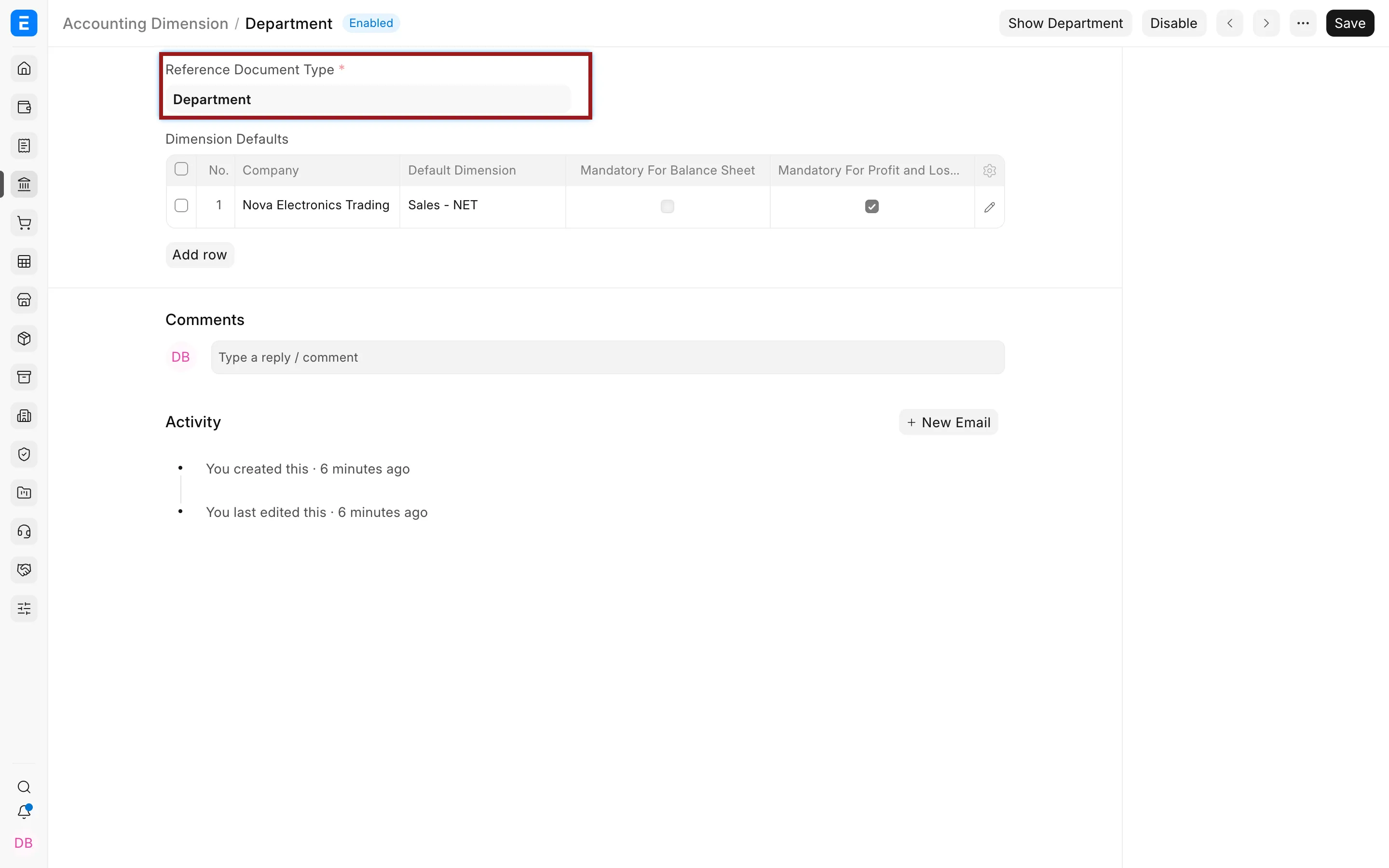
Build consistent company reporting.
Review ledger entries and agree the dimensions that make local results comparable across the group.
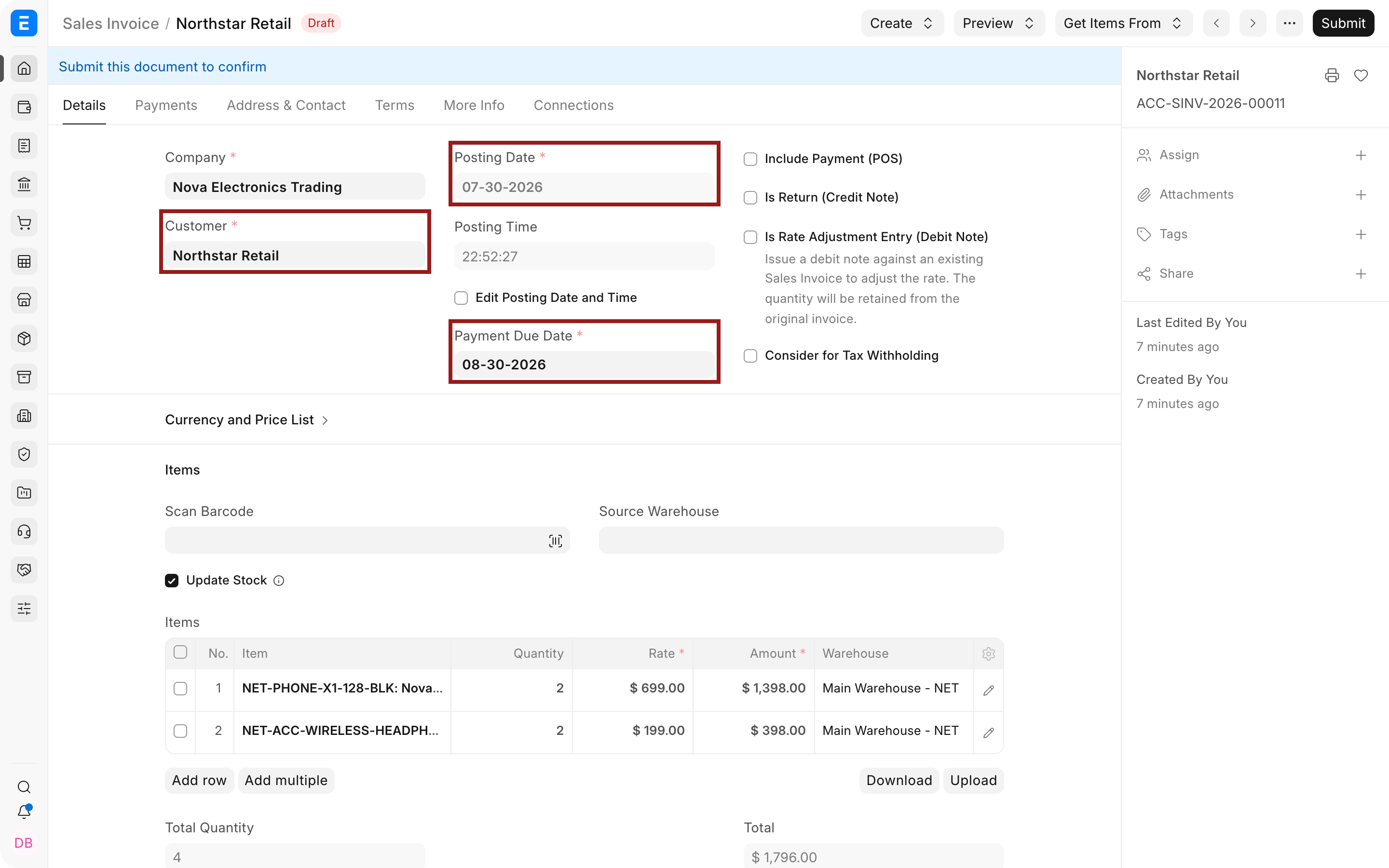
Review both sides of the charge.
Use the sales and purchase records to agree how an intercompany charge should be recorded, corrected and reconciled.
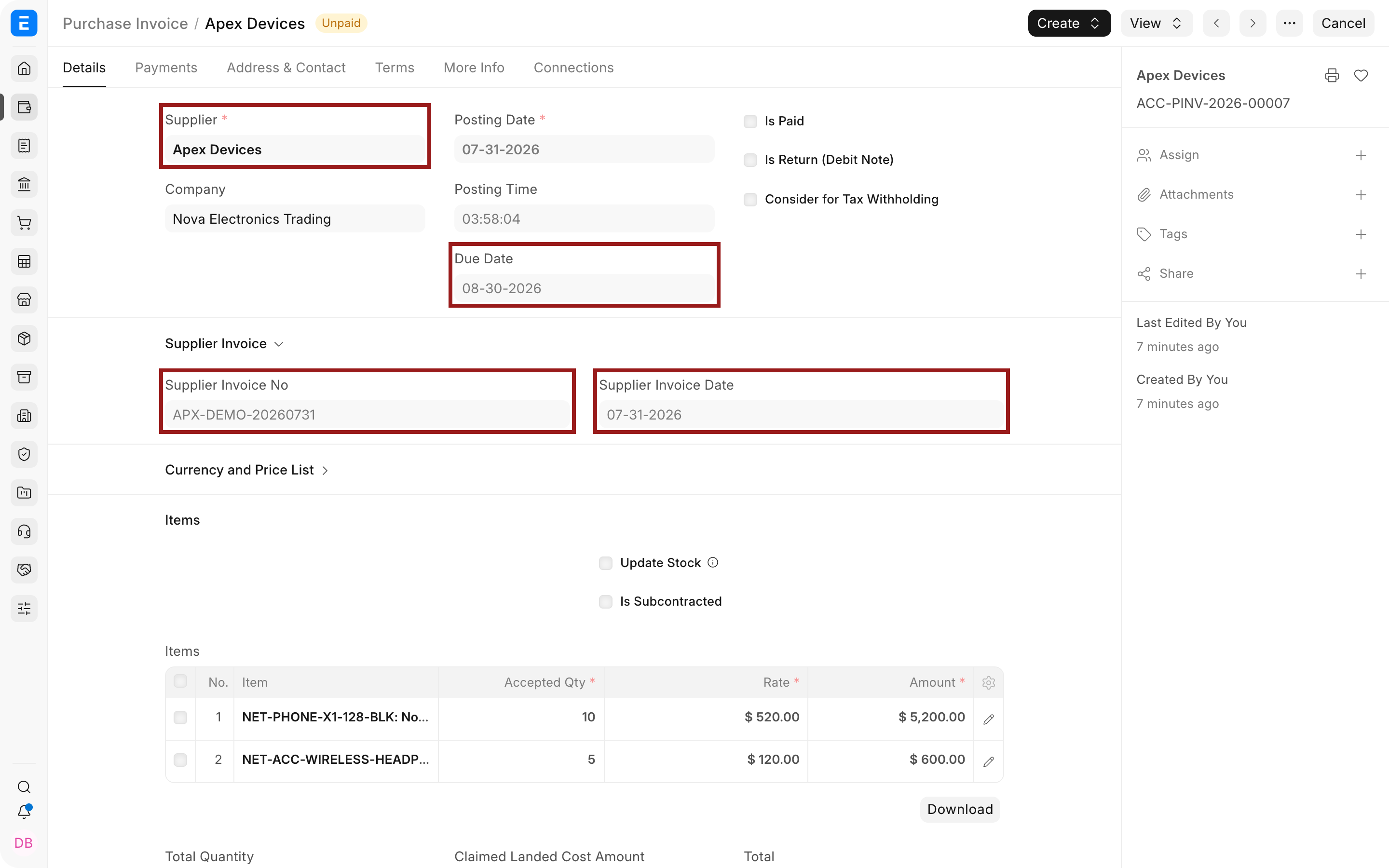
Reconcile the outstanding balances.
Give local finance teams responsibility for receivables and payables before accepting the group reporting pack.
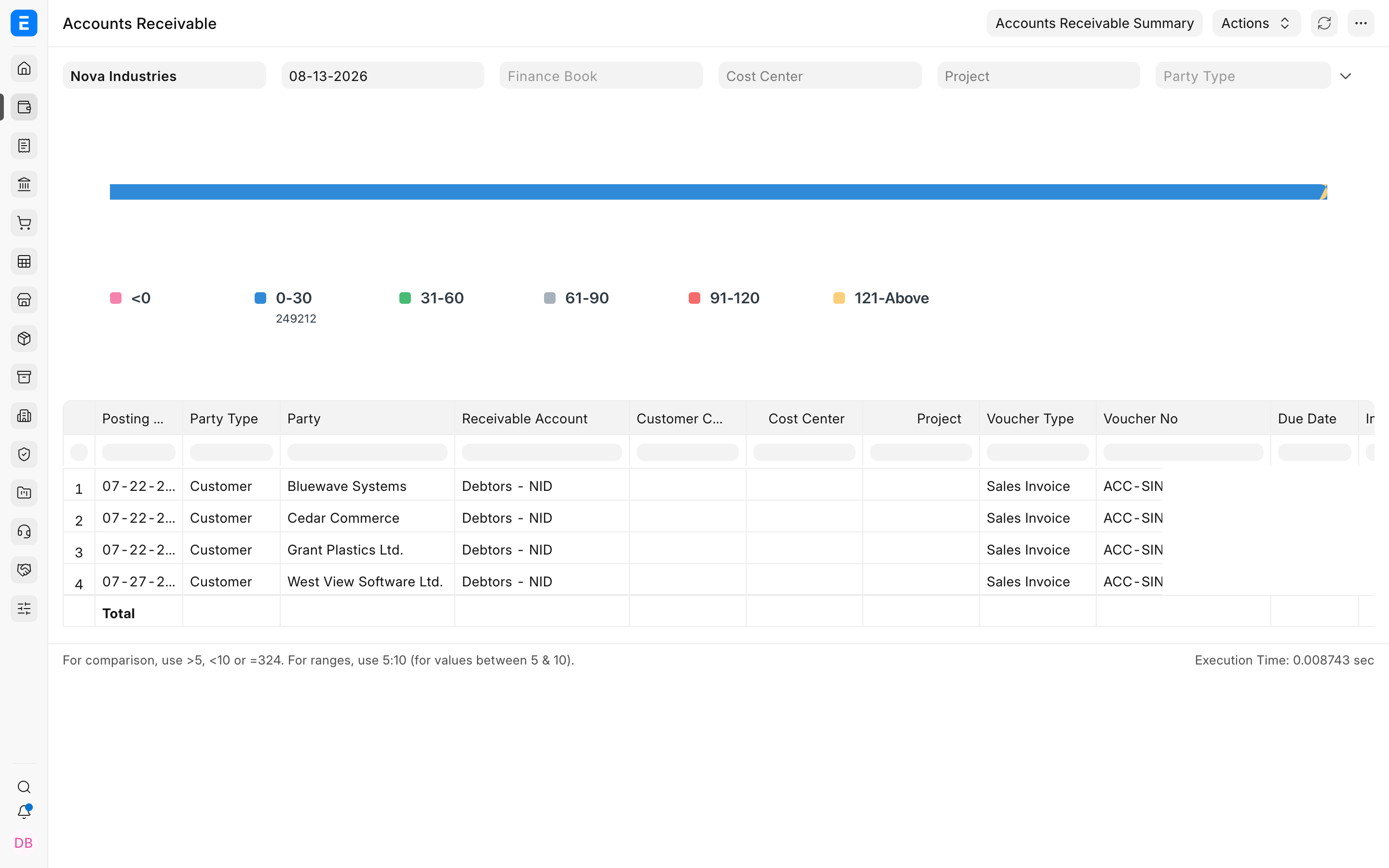
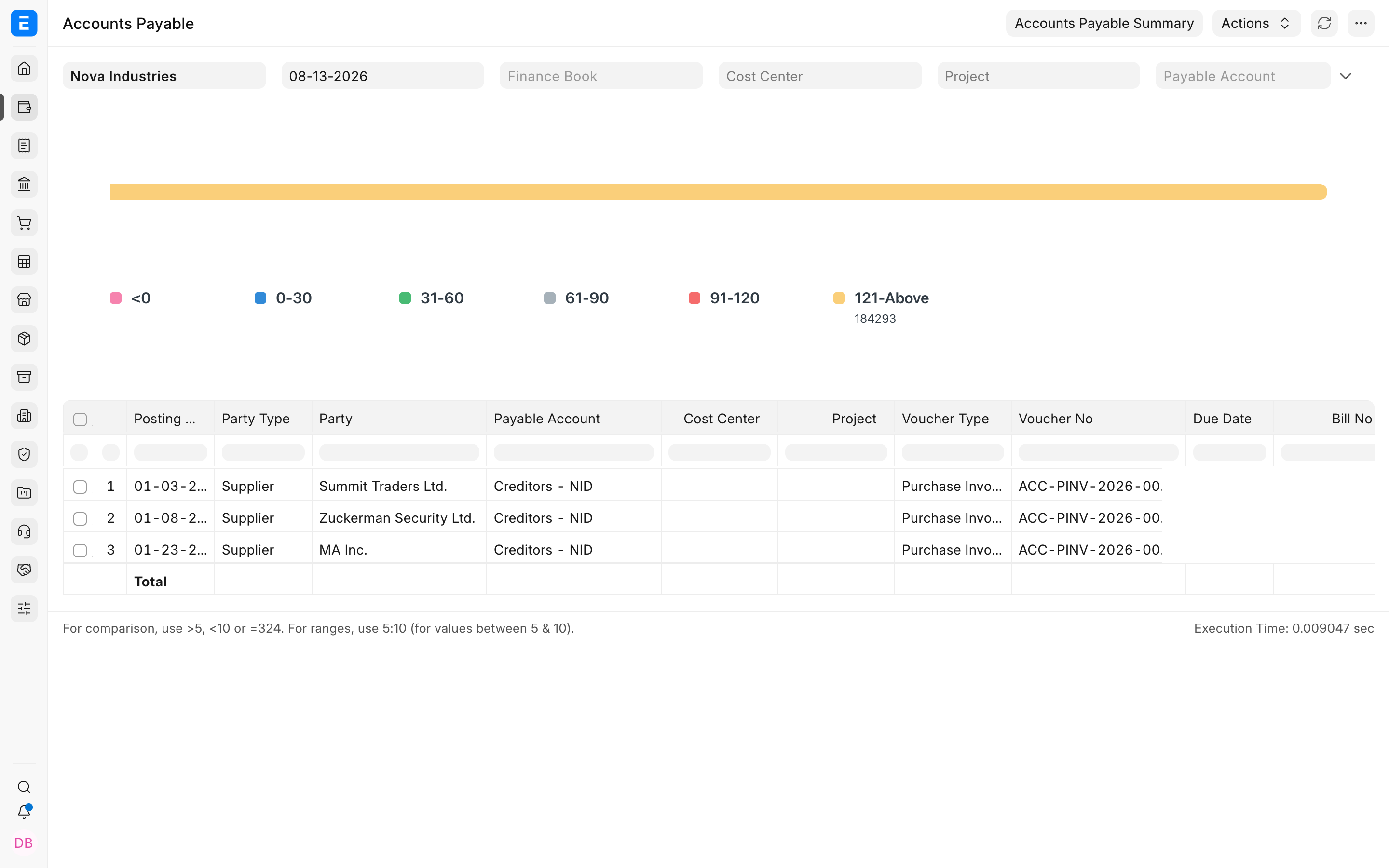
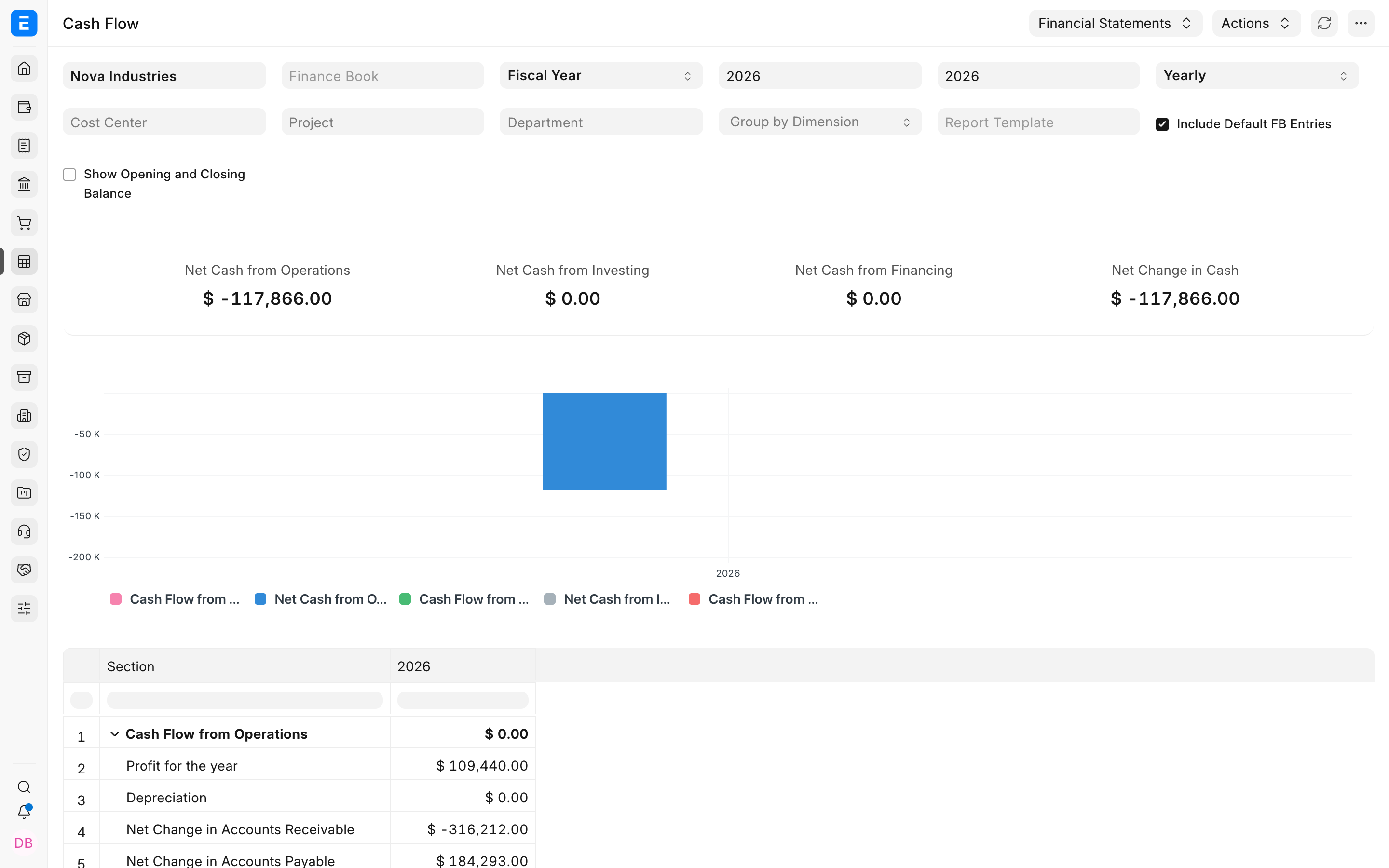
Agree what the group needs to see.
Use the Cash Flow report as a starting point for the reporting discussion, then validate the agreed company and group outputs.
The people doing the work
Give each team a clear responsibility.
Group finance
Set the reporting calendar, agree common definitions and review the adjustments needed for the group reporting pack.
Company finance leads
Own local balances, open transactions and the first close. Keep a clear sign-off for each company joining the rollout.
IT and implementation leads
Test access and shared-master rules. Assess one site against separate-site boundaries and scope each retained-system connection.

Connected modules
Follow the records behind each company’s results.
- Accounting
Review each company’s books and reporting needs.
- Integrations
Assess connections to local systems retained during rollout.
- Hosting
Assess one site against separate-site boundaries.