Hosting and application operations
Know who acts when your ERP needs attention.
Choose a hosting environment that fits your apps. Agree who tests an upgrade, investigates an application error and authorizes a restore before the business depends on it.
01 / Choose the environment
Make room for the apps you need.
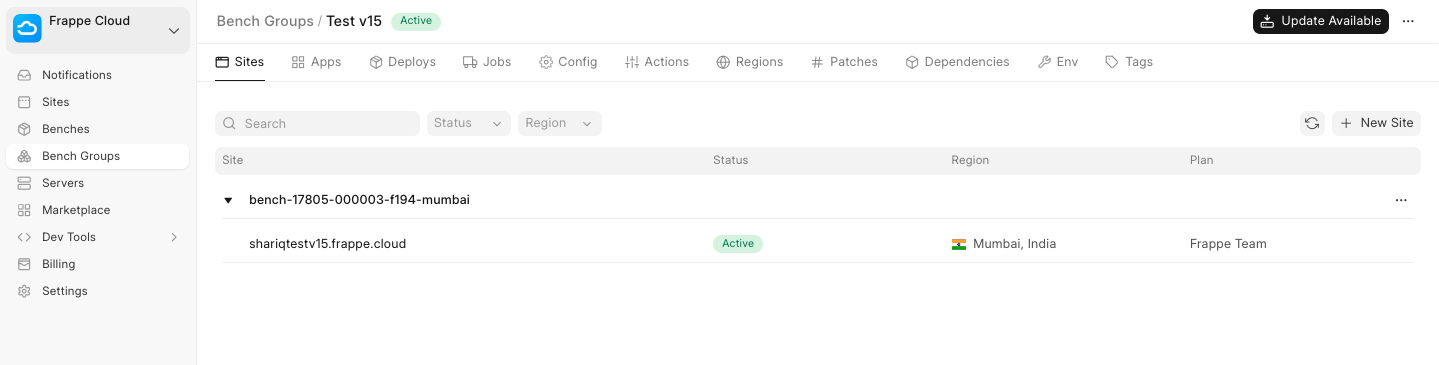
Frappe Cloud manages public bench environments and their updates. A private bench gives you control over apps and update choices, including custom apps. Dedicated infrastructure is a separate decision; a private bench does not mean your own server.

02 / Prepare recovery
Check the backup before you need it.
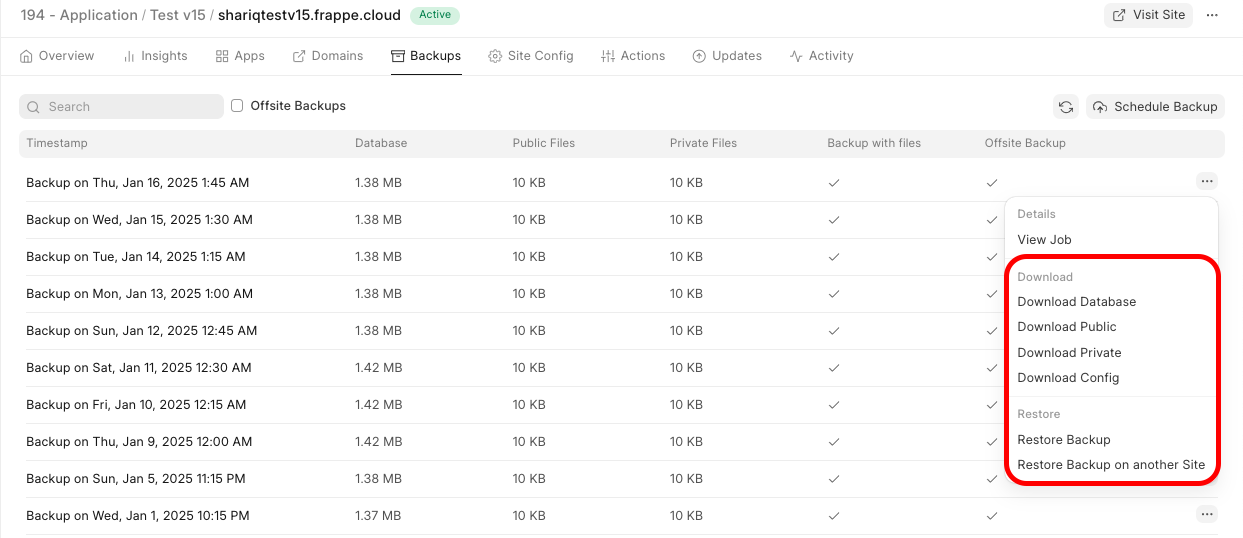
Confirm backup availability and retention for your plan. Rehearse a restore with the database, relevant files and configuration in an isolated environment. Agree the acceptable data loss and recovery time; a backup list alone is not a recovery commitment.
03 / Operate the apps
Test the work before an upgrade goes live.
Run representative orders and integrations in a test environment before release. ERPNova application support is separately scoped from Frappe Cloud hosting. Name the person who approves downtime and decide how to recover if new entries already exist.
Before you get started.
What does the hosting plan cover?
Frappe Cloud supplies the platform capabilities in the selected plan. Custom app fixes, transaction reconciliation and ERPNova application support need their own scope and escalation contacts.
Are backups kept in the same region as the application?
Do not assume so. Confirm both application and backup locations for your chosen arrangement, along with encryption settings and access to the keys needed for recovery.
Does a restore guarantee no lost work?
No. Recovery depends on the available backup and the changes made after it. Your business approves recovery requirements and any restore that could discard valid entries.
Connected products
Include the applications that must work after every change.
Integrations
Keep connection tests with the release checklist.
Accounting & Finance
Verify balances and representative transactions after recovery.
AI and automation
Budget for model operations separately from ERP hosting.