

















Connect teams across locations.
Bring departments, entities, and locations into a shared way of working.


 FRAPPE PARTNER
Live in 90 days. Delivered with AI.
We implement Frappe ERP to connect every department, using AI-assisted delivery to get you live faster.
Request your Frappe ERP demo Explore your industry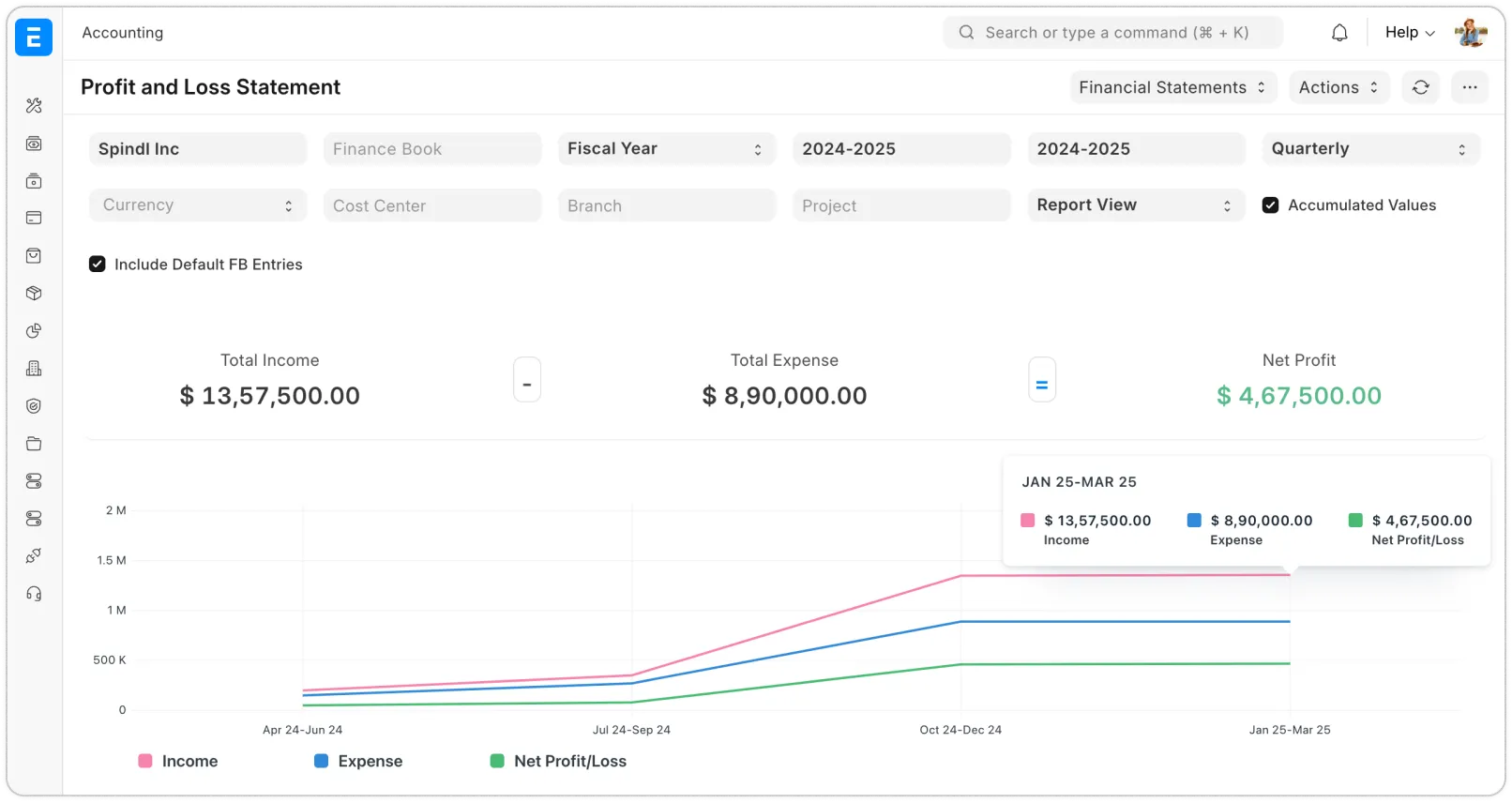
See how businesses of different sizes use Frappe, from independent companies to organizations with teams across locations.
Bring departments, entities, and locations into a shared way of working.
Give a growing team clear processes for purchasing, stock, and accounts.


Manage daily sales, expenses, and inventory. Add more as your business grows.
 McLean ImagesPhotography studio
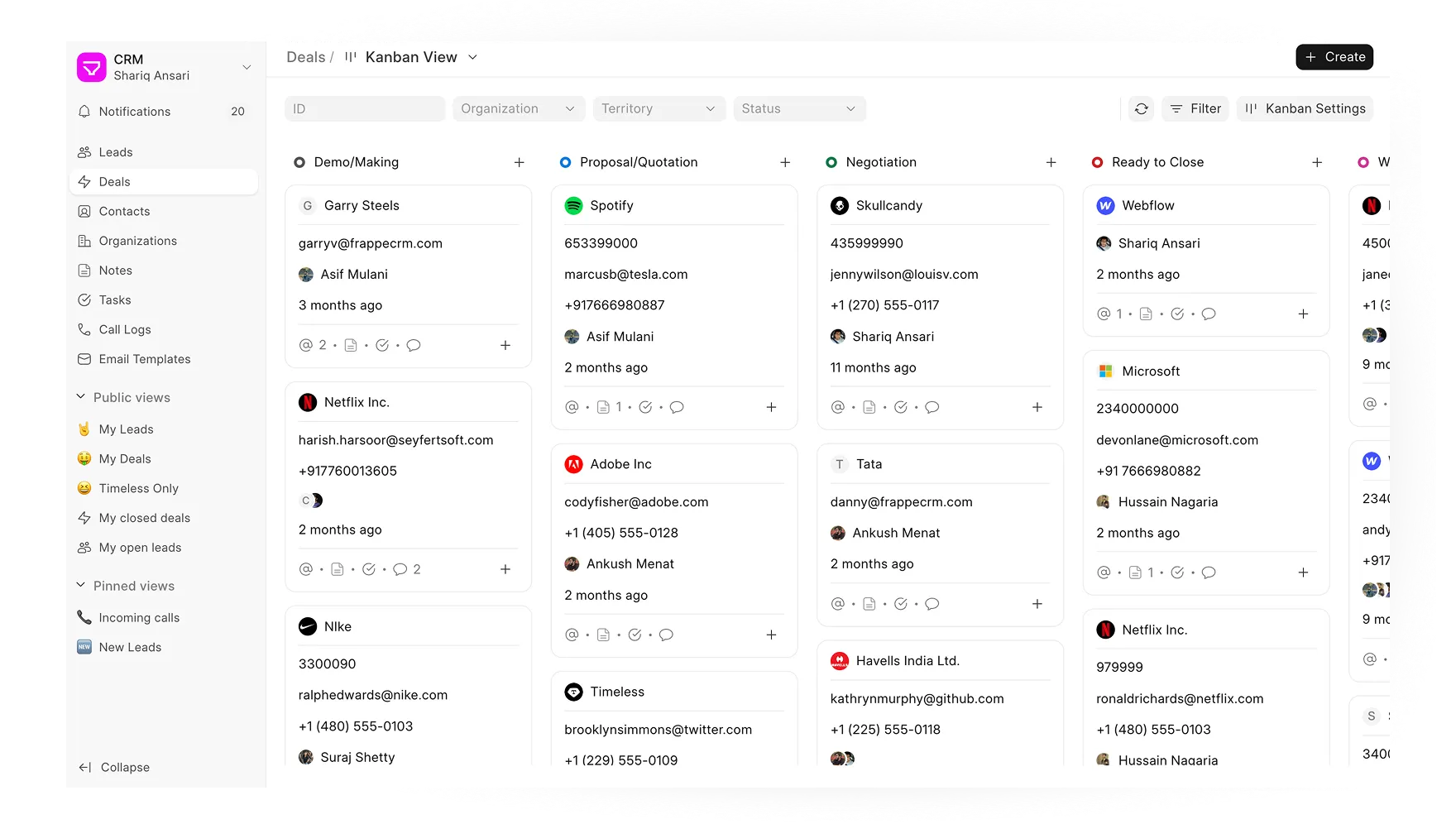
Manage accounts, stock, sales, and your team with Frappe ERP and Frappe apps. We set them up and connect them around the way you work.
From planning production to managing expenses, we connect the processes your team depends on every day.

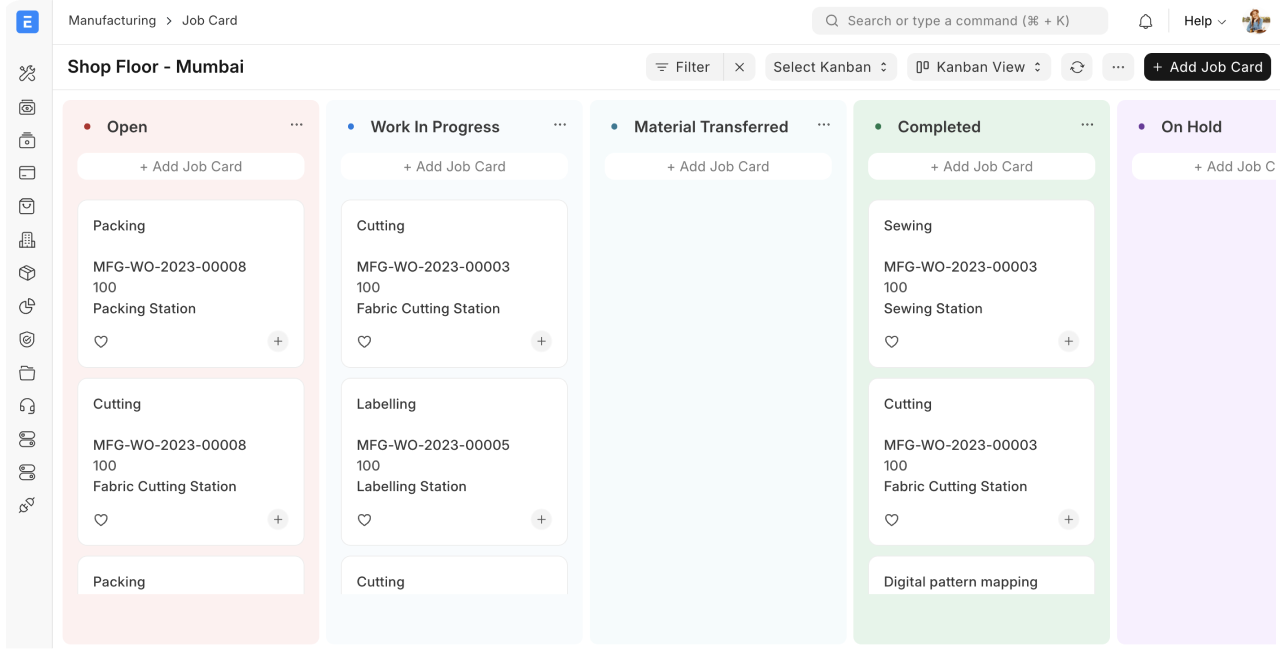
See what you need to buy, what is being made, and what is ready to ship. Connect your factory and finance teams in Frappe ERP.
Discuss your ERP needs


“VGTS turned production scheduling from a daily headache into something fast, simple, and visible to the whole team.”

From the first plan to ongoing support, we help your team get more from Frappe ERP.
We map your processes and agree on scope, budget, and priorities.
We configure your ERP, migrate your data, and test your workflows.
We train your team, check readiness, and support the switch.
We resolve issues and improve your ERP as your business grows.
See how manufacturers and care providers use Frappe ERP in stories from Frappe and its implementation partners.

Connecting production, inventory, and orders so teams can plan with shared information.
Read the Frappe storyCompare Frappe ERP with the systems on your shortlist. See what each covers, how it is licensed, and what it takes to get started.
| What matters | RecommendedFrappe ERPwith ERPNova | |
|---|---|---|
| Core coverage | Frappe ERPRecommendedAccounting, buying, selling, stock, manufacturing, projects, and assets. | SAP Business OneAccounting, purchasing, inventory, sales, CRM, and reporting. |
| Licensing & cost | Frappe ERPOpen-source ERP. Budget separately for hosting, implementation, and support. | SAP Business OneCommercial software. Request a quote for the proposed setup. |
| Ability to adapt | Frappe ERPSource access and Frappe tools for custom fields, workflows, and apps. | SAP Business OneExtensible through the SAP Business One ecosystem. |
| Delivery & scope | Frappe ERPSelf-hosting or managed Frappe Cloud. Integrations and rollout scoped with ERPNova. | SAP Business OneConfirm deployment, implementation, and support with your provider. |
Find out what to expect from migration, integrations, cost, and support.

Tell us what you want to improve. We’ll help you plan the right ERP setup for your team.
Changes stay in this browser. Logos and product screenshots keep their original appearance.