Platform / Inventory
Know what you have.
Know where it is.
See stock by warehouse and follow each receipt, transfer and delivery in Frappe ERP. Give your team the records to decide what to buy, move or send next.
01 / Find your stock
Check the balance.
Follow the movement.
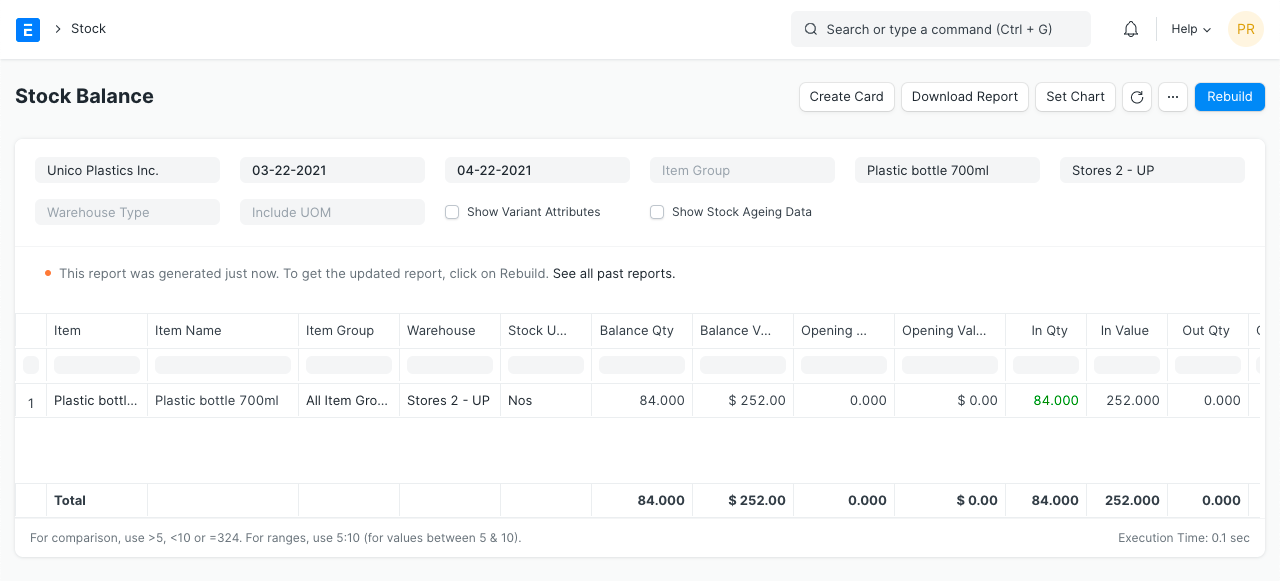
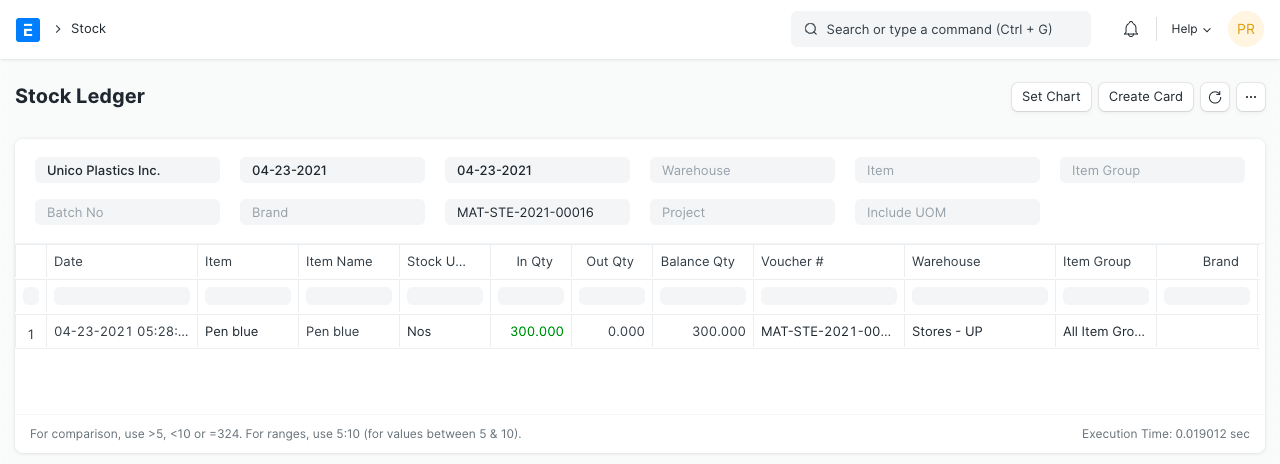
Review an item’s recorded quantity in each warehouse. Open the Stock Ledger to trace the receipts, issues and transfers behind that balance, right back to the source document.
02 / Keep goods moving
Record what arrives.
Track where it goes.
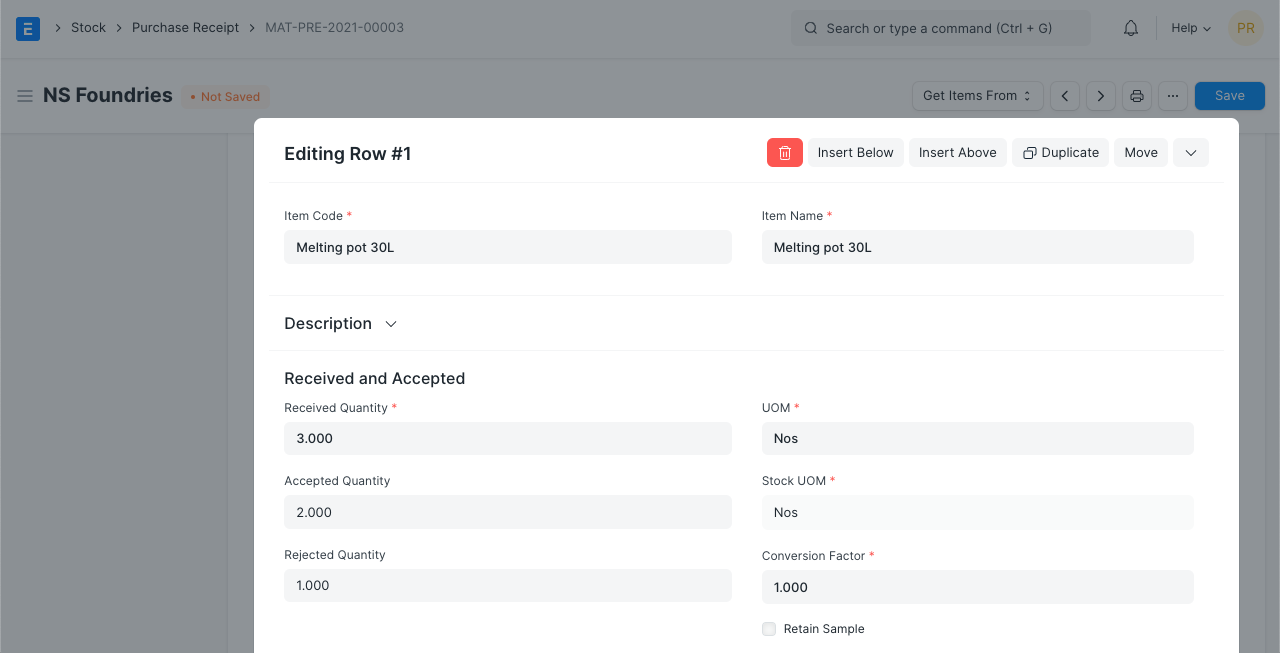
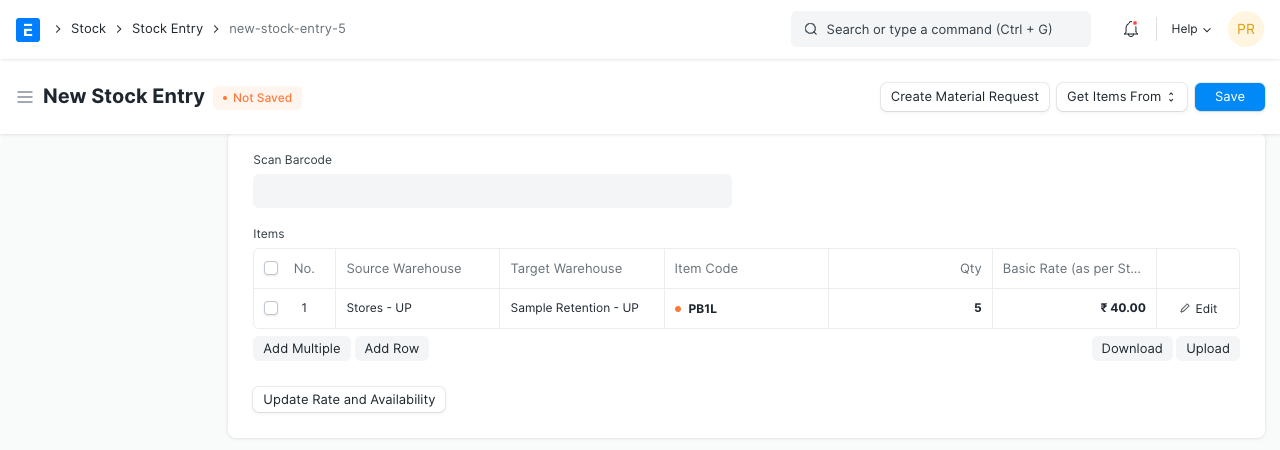
Record accepted and rejected quantities on a Purchase Receipt. Use a Material Transfer to move goods between warehouses, and a Delivery Note when you ship to a customer. Submitted records update stock.
Need serial or batch tracking?
Enable tracking on the item and record the serial or batch numbers on each movement. Version 15 onward uses a separate bundle per transaction and does not allow negative stock for these items.
03 / Reconcile your count
Bring the stock record
back to the shelf.
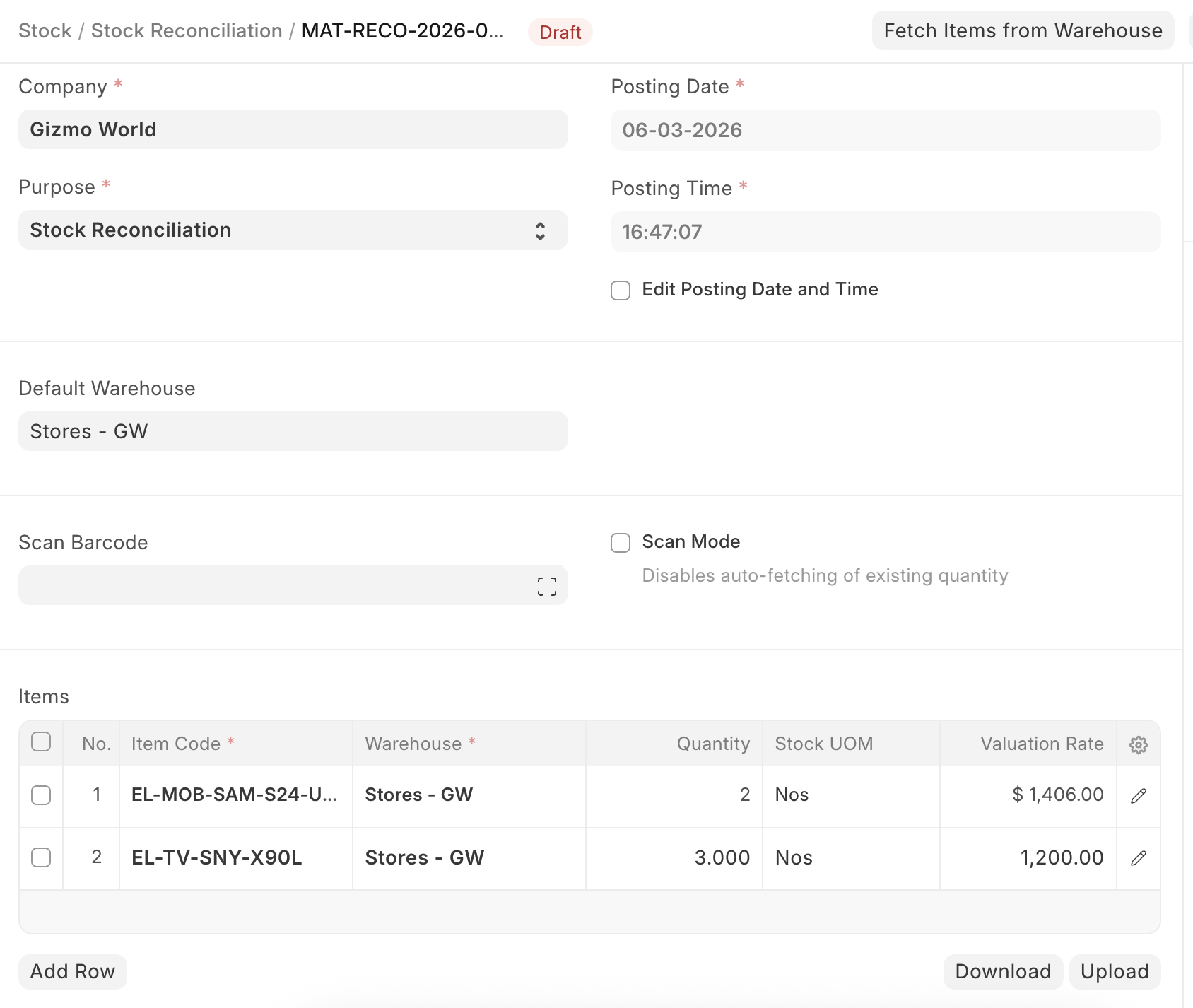
Compare a physical count with the recorded quantity. Use Stock Reconciliation to enter the counted balance for each item and warehouse, review the valuation rate, then submit the adjustment.
What determines stock value?
Stock value follows the configured valuation method and recorded costs. With FIFO or Moving Average, backdated corrections can trigger valuation reposting. Perpetual inventory also needs the right stock accounts configured.
Connected products
Keep buying, production and finance connected to your stock.
Purchasing
Receive goods against supplier orders and follow what is still due.
Manufacturing
Record materials issued to production and finished goods received into stock.
Accounting & Finance
Connect stock value to the books with configured perpetual inventory.