Platform / Purchasing
Order what you need.
Follow what arrives.
Connect material requests, supplier offers and purchase orders in Frappe ERP. Give buyers, stores and finance the same record of what was ordered and received.
01 / Request
Give the buyer
a clear requirement.
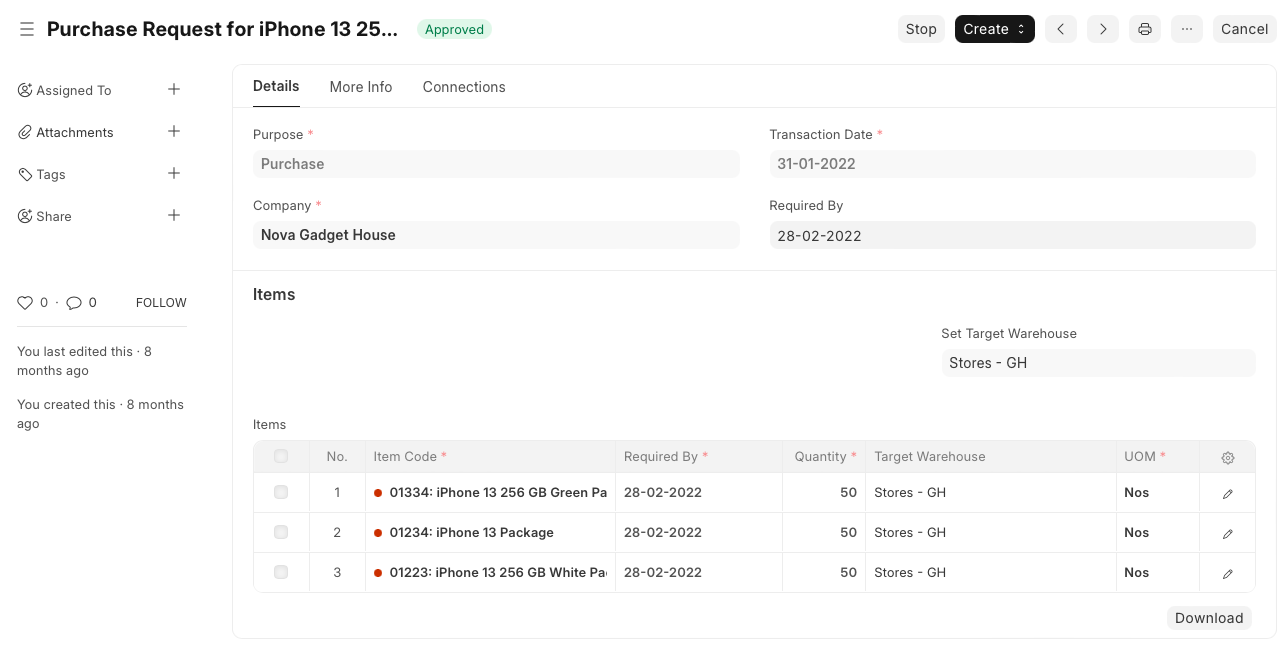
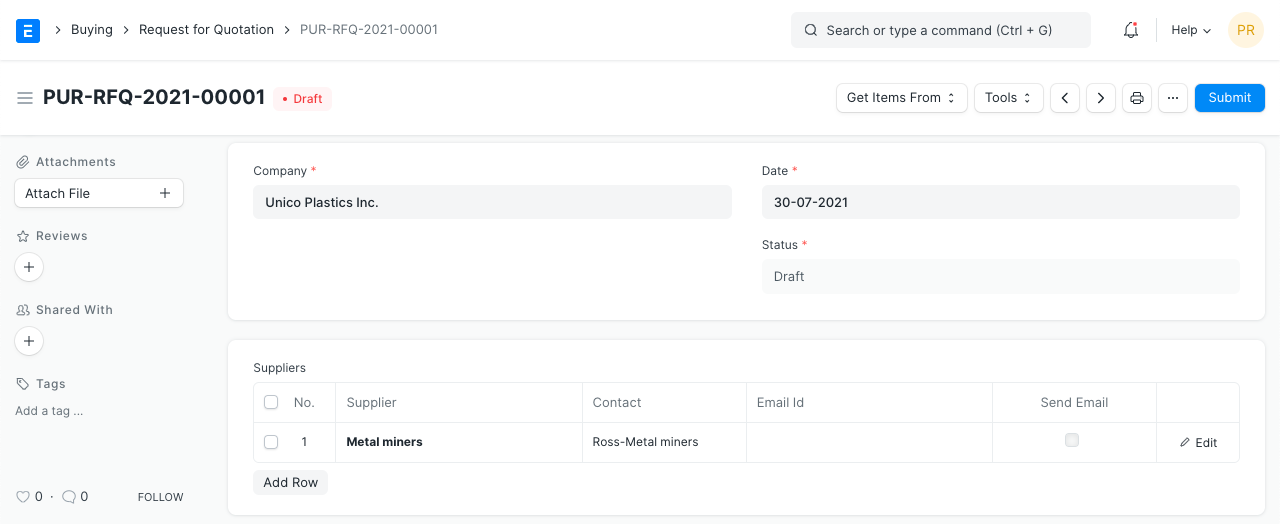
Record the items, quantities and required dates in a Material Request. Ask selected suppliers for an offer with a Request for Quotation.
Does every purchase need an RFQ?
No. Use supplier quotations when you need offers to review. ERPNova configures the request and approval steps around your buying policy.
02 / Order
Agree where it goes
and when it is needed.
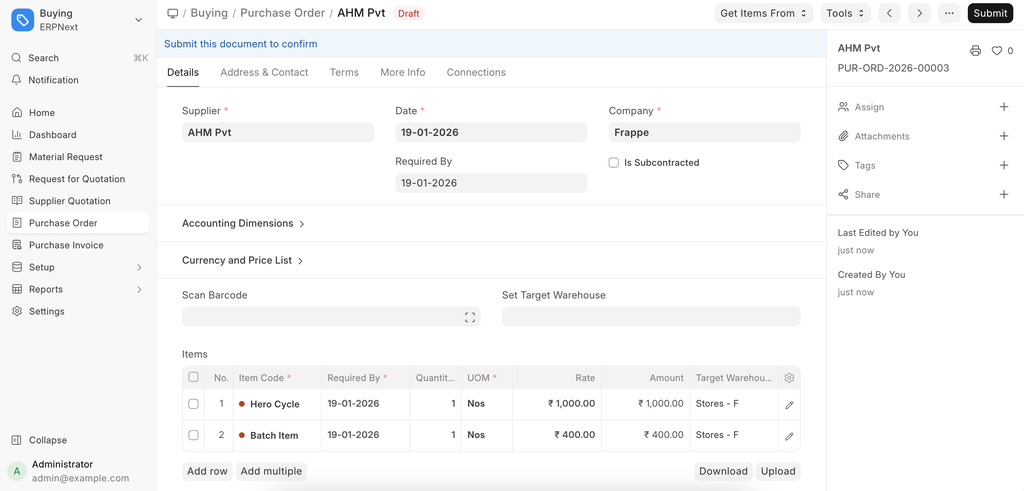
Create a Purchase Order from a submitted Material Request or Supplier Quotation. Set the target warehouse and required-by date for each item, then check prices and payment terms.
Buying boxes but stocking individual items?
Set the purchase unit and its conversion to the stock unit. Check the conversion before ordering so the quantity received matches the way your stores team counts it.
03 / Receive
Record what arrived.
Follow what is still due.
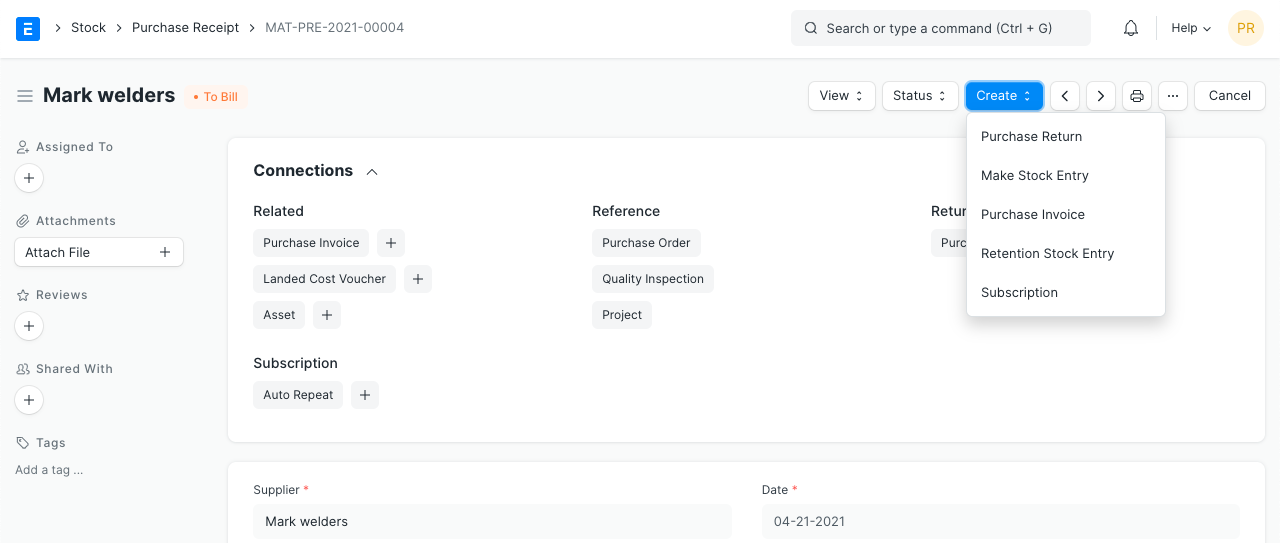
Create a Purchase Receipt against the order and record accepted and rejected quantities. Follow the linked receipt, invoice and payment records when reviewing the supplier’s order.
What if only part of the order arrives?
Record the quantity actually received and review the remaining commitment. Confirm the next delivery with the supplier before deciding whether to keep the remainder open.
What if the bill differs from the delivery?
Check the linked receipt, accepted quantities and order rates with finance. A Purchase Receipt records goods received; a Purchase Invoice records the supplier liability. ERPNova configures the checks and approval responsibilities you need.
Connected products
Keep the purchase connected to stock, production and finance.
Inventory
Receive goods into the right warehouse and record stock movements.
Manufacturing
Bring production material requirements into purchasing.
Accounting
Connect supplier invoices and payments to the purchase.