Platform / Sales & CRM
Carry the customer’s request
through to the order.
Follow a qualified enquiry through quotation and confirmed order in Frappe ERP. Give the people handling delivery and billing the details your customer agreed.
01 / Qualify
Keep the next conversation
attached to the requirement.
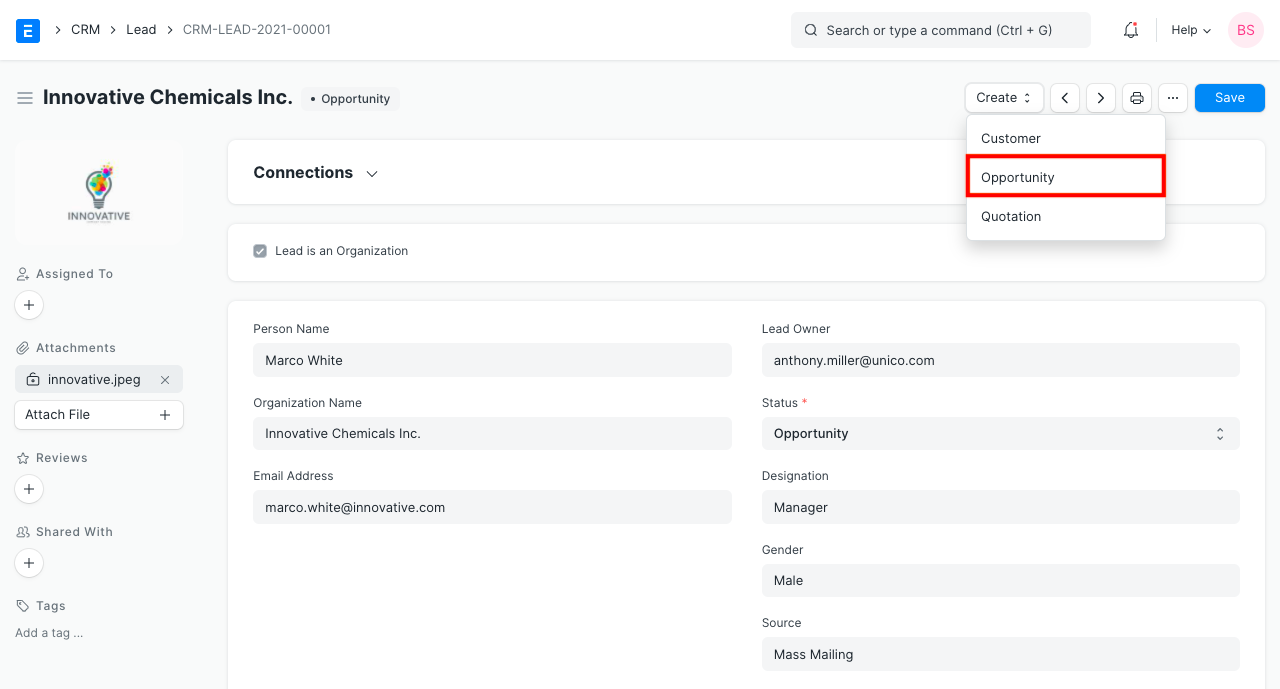
Create an Opportunity from a qualified lead or an existing customer. Record the items they need and the contact to follow up with.
Do we need both CRM products?
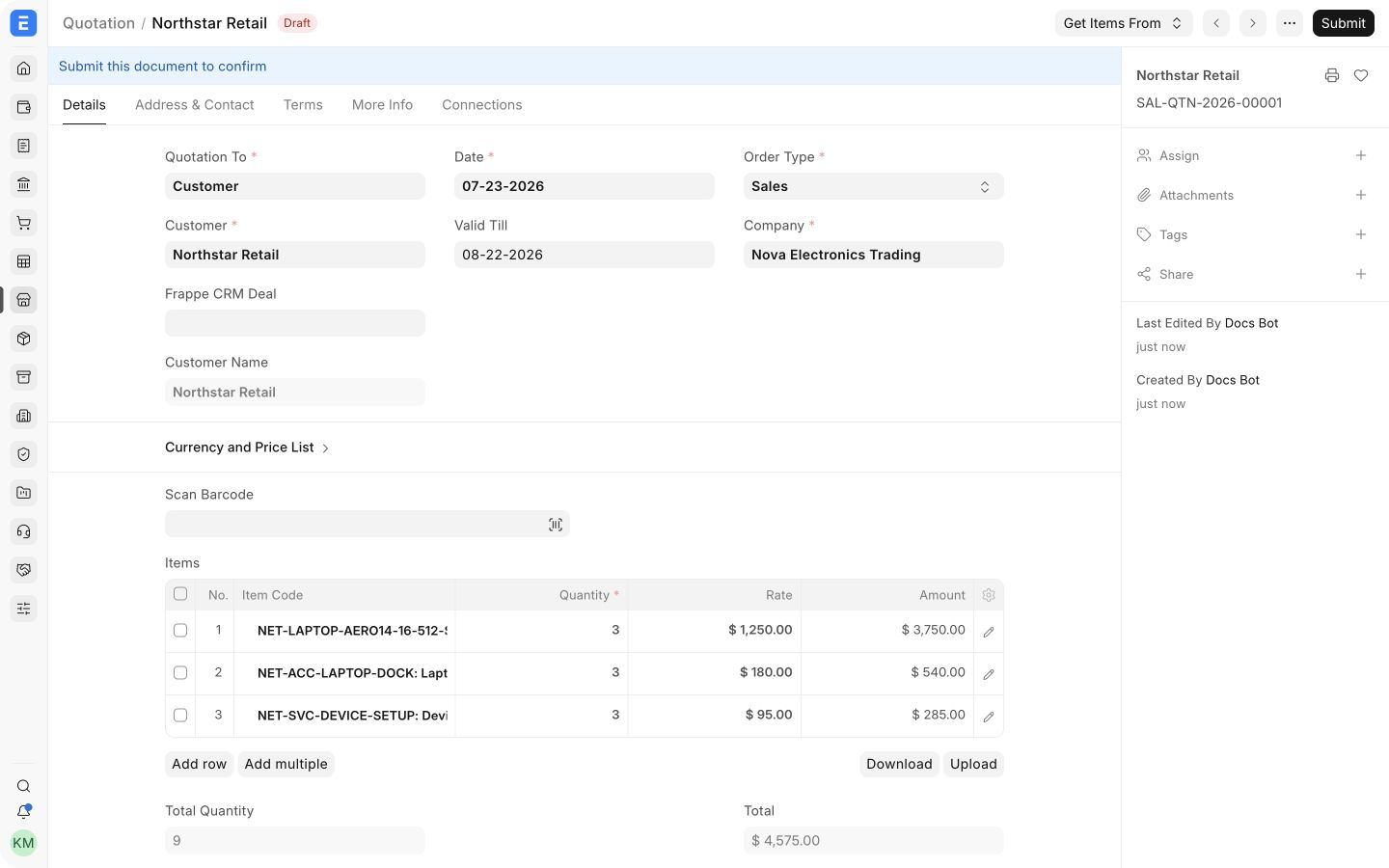
No. Frappe ERP includes its own lead and opportunity records. The separate Frappe CRM app has lead and deal workspaces. ERPNova helps you choose, then defines any integration around your installed versions and the information that needs to move.
The separate Frappe CRM workspace needs its own setup. Agree which app owns contacts and when a deal passes to Frappe ERP before connecting them.
02 / Quote
Put the offer
in writing.
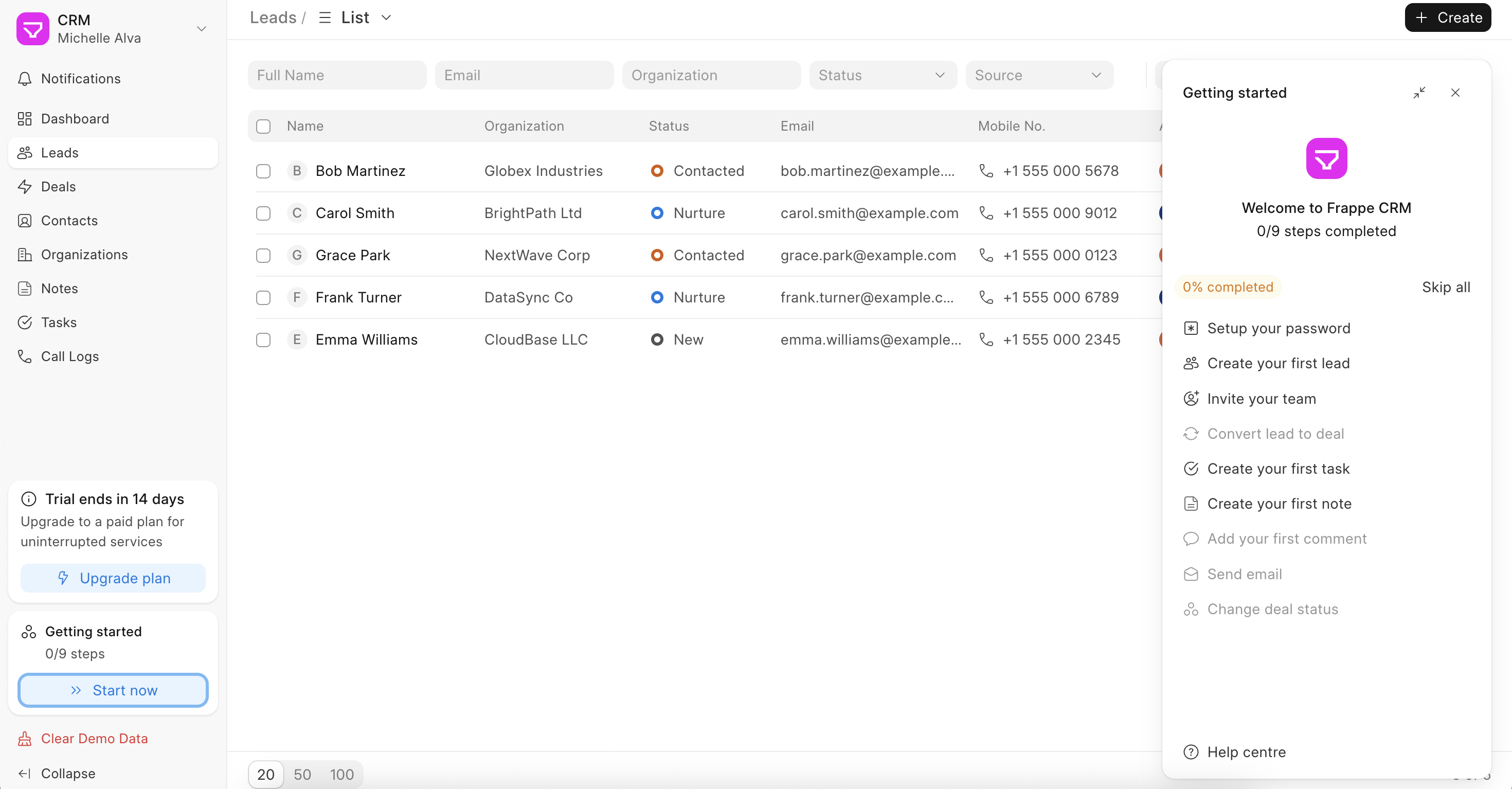
Bring items, quantities and prices into a Quotation. Check the validity date and payment terms before sending the offer to your customer.
Can we bring our current pipeline across?
ERPNova reviews your export, maps the fields and trials an import. Your team decides which opportunities to keep and who resolves duplicate customers and contacts.
03 / Fulfil
Give operations
the agreed order.
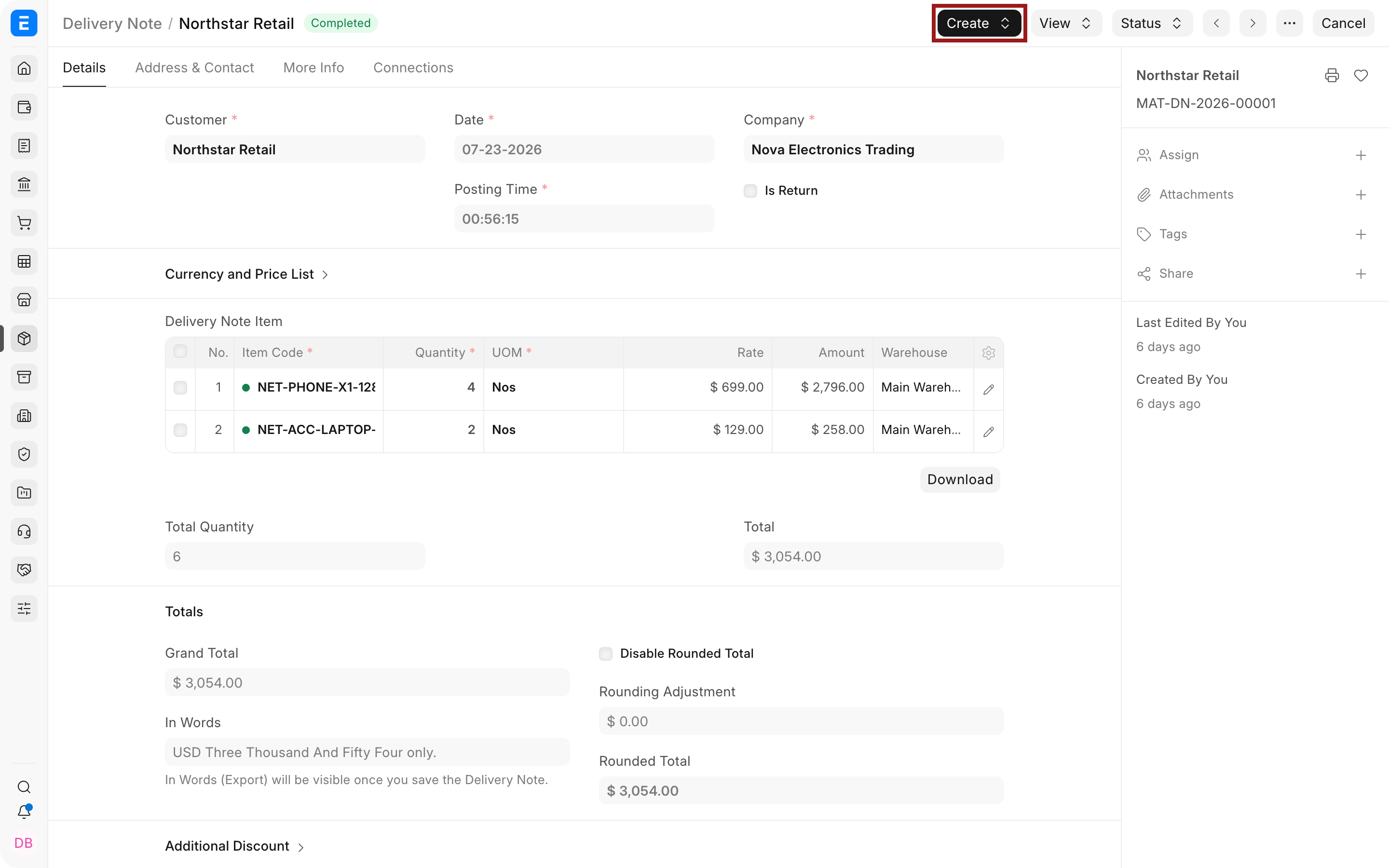
Create a Sales Order from the accepted quotation and check delivery dates for each item. Follow through with a Delivery Note when goods ship and a Sales Invoice for billing.
What if an order ships in parts?
Record the quantity delivered and review what remains on the Sales Order. Agree who updates delivery commitments and who checks the amount still to be billed.
Connected products
Connect the customer order to the teams that fulfil it.
Inventory & Warehousing
Use delivery records to follow goods leaving the warehouse.
Accounting & Finance
Create customer invoices and track the balance still owed.
Integrations
Define the handover if you choose the separate Frappe CRM app.